LumeVoice Review 2026: Pricing, Features, and Verdict
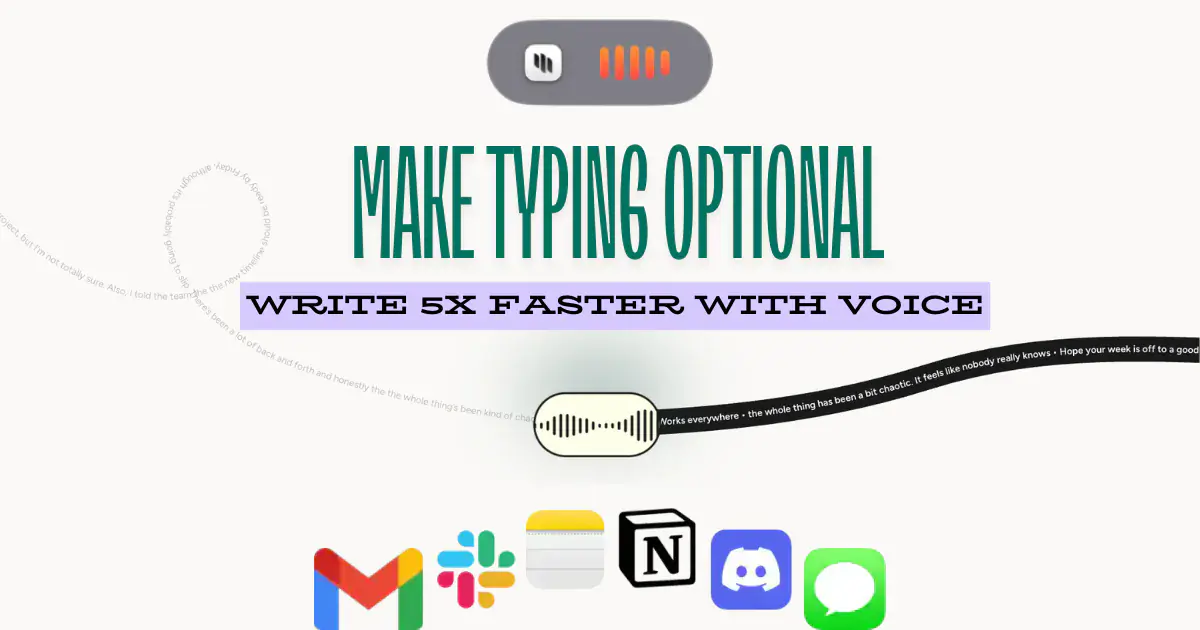
LumeVoice is a dictation app for macOS and Android that removes filler words while you talk and learns the style you have been writing in. Its pitch is that typing should become optional.
We build Kana, a Mac dictation app that competes with it. That is the bias. Everything below about LumeVoice comes from its own site.
Short answer: LumeVoice is worth paying for if you dictate on an Android phone as well as a Mac, or if automatic filler-word removal is the feature you actually want. Its trial is three days and there is no free tier underneath it, so you are deciding fast and then paying $79.99 a year or more.
What LumeVoice actually is
Hold a shortcut, speak, and the text goes into whatever app has focus. The target apps its share card advertises are Gmail, Slack, Apple Notes, Notion, Discord and iMessage, which is a fair description of where dictation gets used.
Three things separate it from the general run of Mac dictation apps.
Filler-word removal is on by default. The site says it automatically removes um, uh and you know, so the transcript arrives already tidied rather than tidied on request.
Style matching, which the site calls style memory, is in the base plan rather than sold as an add-on.
Android is live, not planned. LumeVoice lists macOS and Android as shipping, with iOS and Windows behind a waitlist. Very few dictation apps at this size ship on a phone at all.
The site claims 100+ languages with the ability to mix them, that typing runs at 45 words a minute against 220 for voice, and that the result is a day a week saved. Those are its figures, not ours.
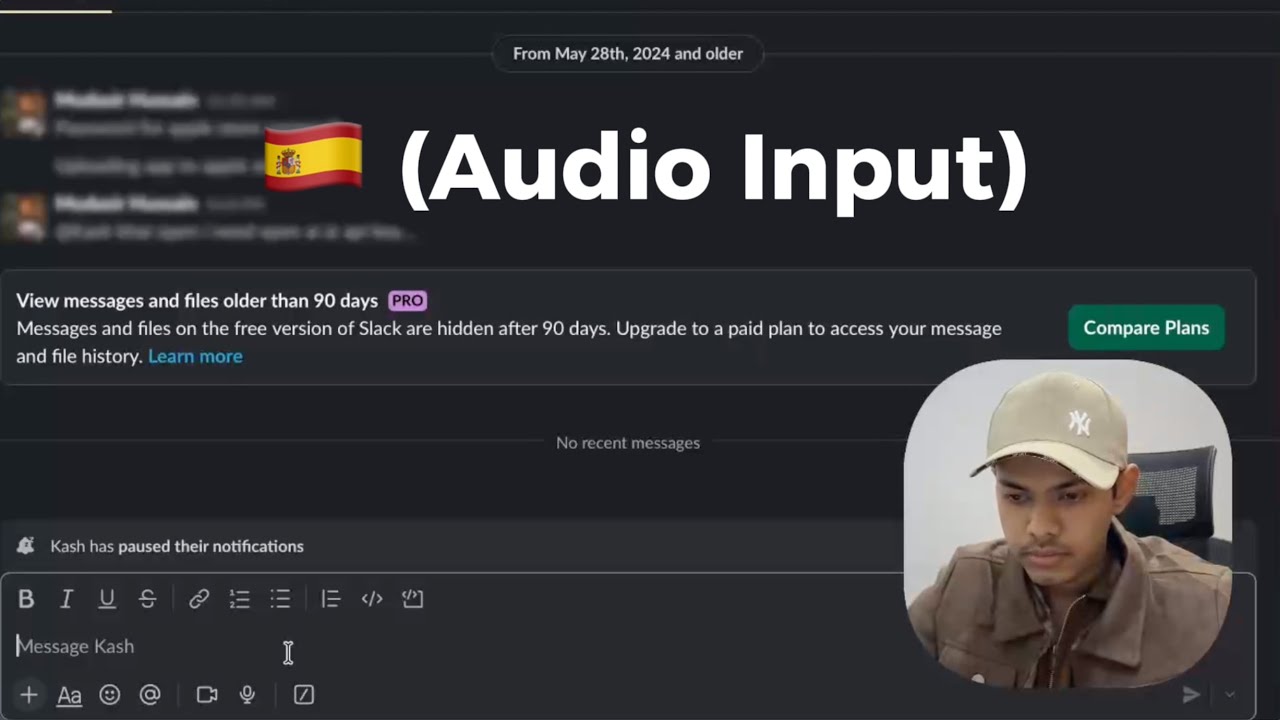
Source: LumeVoice (lumevoice.com)
The demo it puts on its own homepage is a person dictating Spanish into Slack. That is the use it is selling: multilingual, in a chat app, on a laptop.
Pricing in 2026
Three plans, all with the same feature set.
| Plan | Price |
|---|---|
| Pro Monthly | $14.99 a month |
| Pro Annual | $79.99 a year, listed as $6.66 a month |
| Lifetime | $249 once |
Every plan lists unlimited dictation, full personalisation, style memory, custom vocabularies and founder-level support.
The trial is three days, and it applies to the Pro Annual plan. There is no free tier that survives it. If you have ever installed a dictation app, used it twice in the first week and then found your rhythm in the third, the shape of that trial is worth thinking about before you start it.
For comparison, Kana is $9.99 once with no expiry and no account, and the only recurring cost is AI rewriting: $4.90 a month or $49 a year, with one licence covering three Macs.
Where your voice goes
LumeVoice’s privacy page is careful, and reading it carefully is worth the two minutes.
What it says: your dictation history stays on your device, your voice is processed with zero data retention, and Private Mode is the default with minimal data collection.
What it does not say: that recognition happens on your Mac. Zero retention is a promise about how long a server keeps something, which means there is a server. Our comparison data classifies LumeVoice as a cloud dictation app, and nothing on the site contradicts that.
That is a reasonable design. Cloud models are large, they update without you reinstalling anything, and a zero-retention policy is a real commitment. It does mean dictation needs a connection, and it means the promise is a policy rather than an architecture.
Kana takes the other route. English and 17 other European languages run on Parakeet on the Neural Engine, Japanese on a second Parakeet model built for it, Chinese and Korean on Apple’s SpeechAnalyzer, all on your machine, 22 languages in total. Dictation makes zero network calls, and that is checked in CI rather than asserted in copy. It works on a plane. It also means Kana cannot offer you 100 languages, because there is no server to reach for.
LumeVoice and Kana side by side
| LumeVoice | Kana | |
|---|---|---|
| macOS | Yes | Yes, Apple Silicon only |
| Android | Yes | No |
| iOS and Windows | Waitlist | No |
| Recognition runs on your device | Not claimed | Yes |
| Works with no connection | No | Yes |
| Filler-word removal | Automatic | Only with AI rewriting turned on |
| Style matching | In the base plan | Rewriting tone, plus per-app routing |
| Custom vocabulary | Yes | Yes |
| Languages | 100+ by its own count | 22 |
| Trial | None, 3-day trial | 14 days, no card |
| Cost to dictate | From $79.99 a year | $9.99 once |
What LumeVoice does better than Kana
Android. Kana is macOS on Apple Silicon and there will never be a phone app. If half your typing happens on a phone, Kana solves half your problem at best, and LumeVoice solves both halves with one subscription.
Filler words are gone by default. In Kana, the raw transcript is what lands, um included, unless you turn on AI rewriting and pay for it past the free 20 rewrites per device. LumeVoice does the cleanup as standard, at no extra tier. For someone who says you know four times a sentence, that difference shows up in every message.
Style matching is included, not an upsell. It sits in the base plan. Kana’s closest equivalent is its rewriting tone and per-app routing, which are on the paid side.
More languages. 100+ against Kana’s 22. If you dictate in Thai, Hindi or Arabic, Kana has no answer at all and LumeVoice does.
A lifetime price that covers everything. $249 is more than Kana’s $9.99, but Kana’s one-time price does not include AI rewriting. If you want one payment and one product across a Mac and a phone, LumeVoice sells that and Kana does not.
Where a small, local app wins
Kana’s case is short. Dictation is $9.99 once rather than a subscription, it never touches the network, and there is nothing running when you are not holding the key. The app bundle is 6.5 MB with no login item, no helper process, no account and nothing in the Dock, although the speech model downloads separately at about 480 MB.
File transcription is also unlimited, with SRT, VTT and Markdown export, which is behind a paid tier in most of this category.
We have run no head-to-head accuracy test against LumeVoice, so there is no chart here claiming one wins. If you want the two lined up on the points that are checkable, the Kana and LumeVoice comparison does that, including where LumeVoice is ahead.
Who should use LumeVoice
- You dictate on Android as well as on a Mac
- You want filler words removed without configuring anything
- You dictate in a language outside the 22 Kana covers
- You want the app to match a writing style you have already established
- You are comfortable with cloud processing under a zero-retention policy
Who should use Kana instead
- You are on Apple Silicon and nowhere else
- You dictate on planes, trains, or anywhere the connection is unreliable
- You want a promise about your voice that is enforced in code rather than in a policy
- You do not want a subscription for something you use like a utility
- You would rather keep the um and decide yourself when to clean it up
FAQ
How much does LumeVoice cost?
$14.99 a month, $79.99 a year (listed as $6.66 a month), or $249 once. All three plans carry the same features.
Does LumeVoice have a free plan?
No. There is a three-day free trial on the Pro Annual plan, and no free tier after it expires.
Does LumeVoice work offline?
Its site does not claim on-device recognition, only that your dictation history stays on your device and that processing carries zero data retention. Plan on needing a connection.
Is there a LumeVoice alternative for Mac without a subscription?
Yes, including ours: $9.99 once against $79.99 a year. The trade is platform coverage and language count, because a Mac-only app will not follow you onto an Android phone and will not offer 100 languages.