Otter.ai Review 2026: Pricing, Limits, and Verdict
Otter.ai owns the search term. Type almost any question about voice and text into Google and Otter is on the first page, which means a lot of people arrive at it looking for something it does not do.
We build Kana, a Mac dictation app. Otter is not a competitor in any useful sense, and the most helpful thing this article can do is explain which of the two you were actually looking for.
Short answer: Otter records meetings and gives you a searchable transcript with speaker labels, summaries and action items, shared with your team. If you want a record of a conversation several people were in, Otter is the answer. If you want to talk instead of typing, it is the wrong product and no plan tier fixes that.
Otter is a meeting service, not a dictation app
The distinction matters because the two get shelved together.
Dictation replaces your keyboard. You hold a key, speak, and the words go into the document you were already writing. Nothing is recorded, nothing is kept, and nobody else is in the room.
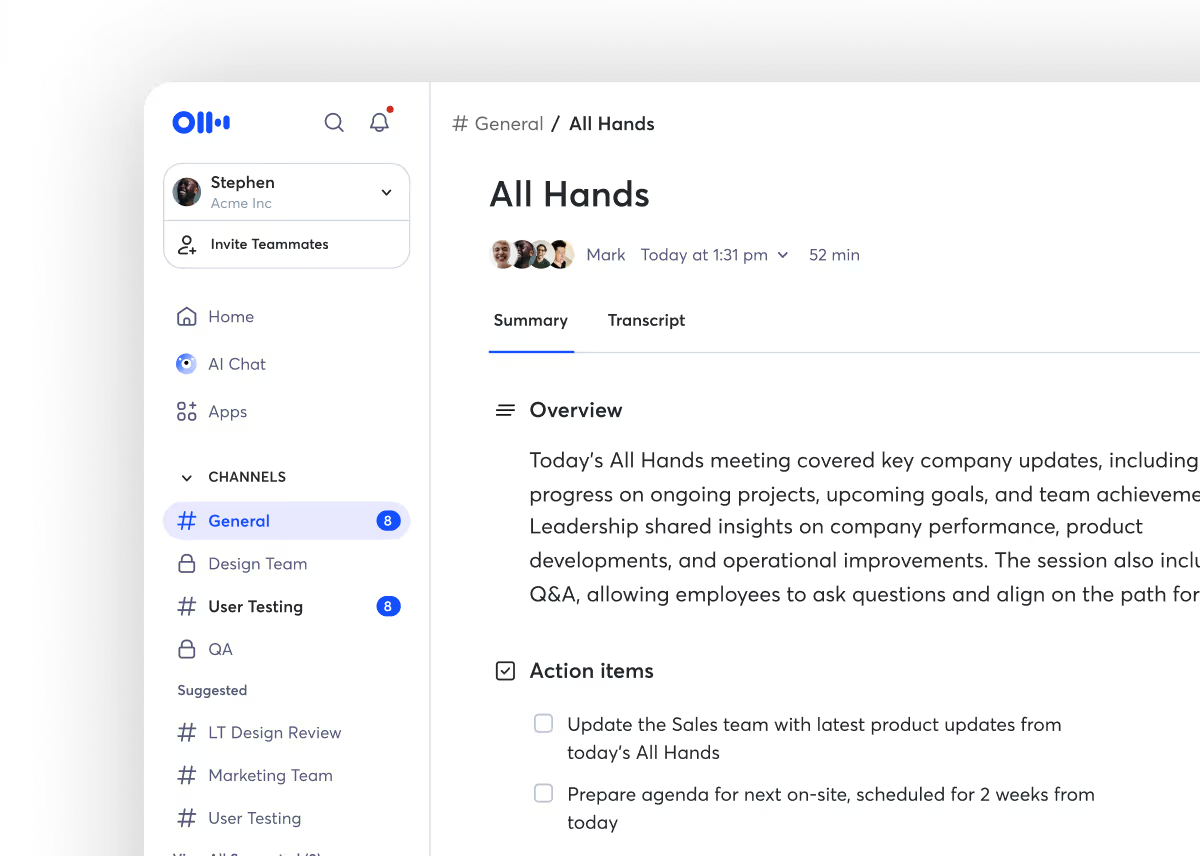
Otter records the room. A bot joins your calendar invites, or you record without a bot from the Mac or Windows desktop app or the Chrome extension. It separates speakers, writes a summary, pulls out action items, and files the whole thing in a workspace your colleagues can search later. It runs on web, Mac, Windows, iOS, Android and Chrome.
Source: Otter.ai (otter.ai)
That archive is the product. Otter’s value goes up the longer you use it, because the searchable history is worth more than any single transcript. Kana’s value is the opposite: it inserts text and forgets it happened.
Pricing in 2026
Four tiers, priced per user.
Basic is free: 300 transcription minutes a month, a 30 minute cap per meeting, and three file imports for the lifetime of the account. Live transcription across Zoom, Teams and Google Meet with speaker identification is included.
Pro is $16.99 a month, or $8.33 a month billed annually. You get 1,200 in-app recording minutes a month, ten file imports a month, a 90 minute cap per meeting, team vocabulary, and CRM connections to Salesforce, HubSpot and Zapier.
Business is $30 a month, or $19.99 a month billed annually. Unlimited meetings, three concurrent sessions, a four hour cap per meeting, custom workflows and admin analytics.
Enterprise is quoted, and adds SSO and SCIM, API access, HIPAA options and a dedicated customer success contact.
The free plan is worth reading twice. Three file imports total, not per month, and a 30 minute ceiling per meeting. It is a demonstration rather than a working tier, which is a reasonable choice for a service with per-minute costs behind it.
What Otter does better than Kana
Everything in its own category, which is the honest way to put it.
It joins meetings. Calendar integration, a bot that turns up, or bot-free recording from the desktop app. Kana has no meeting feature of any kind: no recording, no calendar access, no bot.
It separates speakers. Otter labels who said what and keeps those labels consistent across a workspace. Kana has no diarization and will not get it.
It keeps a searchable archive. Months of conversations, searchable by phrase or by speaker, shared across a team. Kana stores nothing, on purpose, which is a feature until the moment you need to find what someone said in March.
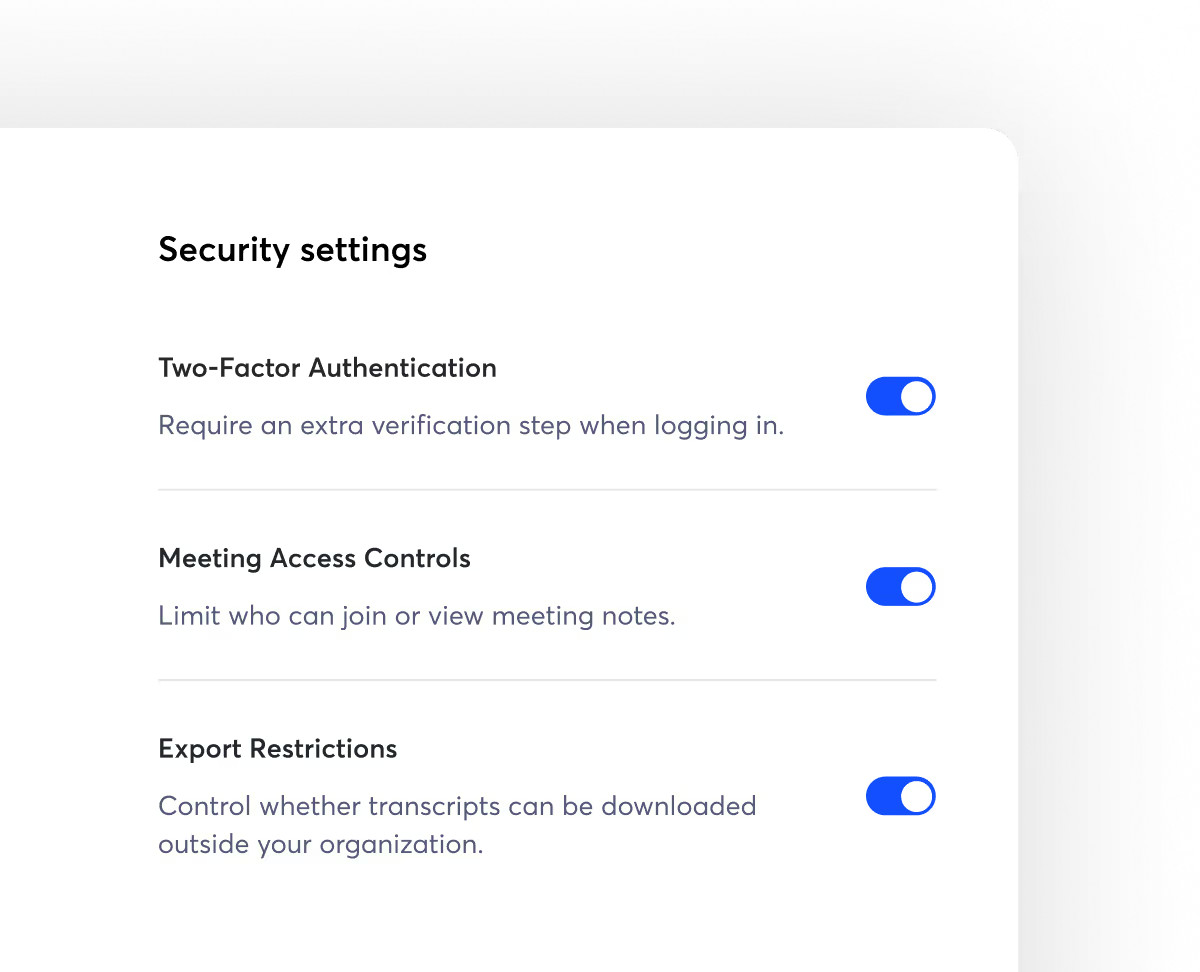
It has an answer for IT. SSO, SCIM, admin controls, HIPAA options, per-organisation export restrictions. Kana has no enterprise tier and nothing to put in front of a procurement team.
Source: Otter.ai (otter.ai)
| Otter.ai | Kana | |
|---|---|---|
| What it is for | Recording meetings | Typing with your voice |
| Joins calls | Yes, bot or bot-free desktop | No |
| Speaker labels | Yes | No |
| Searchable archive | Yes | Nothing is kept |
| Types into any app | No | Yes |
| Recording leaves your device | Yes | Never |
| Account required | Yes | No |
| Platforms | Web, Mac, Windows, iOS, Android, Chrome | macOS on Apple Silicon |
| Trial | 300 minutes a month, 3 file imports total | 14 days, no card |
| Paid | $16.99 a month, or $8.33 annual | $4.90 a month or $49 a year |
| Enterprise, SSO, HIPAA | Yes | No |
Where Kana fits instead
Kana is a menu bar app on Apple Silicon Macs. Hold a modifier key, speak, release, and the text appears in the frontmost app, whether that is a browser, an editor or a Slack window.
English and 17 other European languages run on Parakeet on the Neural Engine. Japanese runs on a second Parakeet model built for it, and Chinese and Korean on Apple’s SpeechAnalyzer. Twenty-two languages in total, all on device, making no network call at all when dictating. That is checked in CI rather than promised in copy.
Dictation and file transcription are unlimited, including SRT, VTT and Markdown export. Paying adds AI rewriting only, at $4.90 a month or $49 a year, covering three Macs. There is no account, so there is no archive of your speech to request, audit or delete.
For people in healthcare, law and government, that last point is the whole conversation: the question is not how well a vendor protects a recording, it is whether a recording reaches a vendor. Otter answers that with certifications and controls, which is the right answer for a service that has to hold the audio. Kana answers it by not sending anything.
The Kana and Otter.ai comparison lays out the rows side by side, most of which Otter wins on its own turf.
Who should use Otter.ai
- You need a record of meetings other people were in
- You need to know who said what
- Your team needs to search conversations from months ago
- You want notes pushed into Salesforce, Jira or Slack automatically
- You need SSO, admin controls or a HIPAA conversation
Who should use Kana instead
- You want to write faster, not to record anything
- You are on Apple Silicon and want the model on your own machine
- You cannot send recordings to a third party at all
- You do not want an account, a bot, or calendar access
- You transcribe the occasional file and want subtitle export without a subscription
FAQ
Is Otter.ai free?
There is a free Basic plan: 300 transcription minutes a month, 30 minutes per meeting, and three file imports for the life of the account. Pro is $16.99 a month, or $8.33 a month on annual billing.
Can I use Otter.ai for dictation into other apps?
Not in the way a dictation app works. Otter transcribes recordings and conversations into its own workspace. It does not insert text at your cursor in whatever application has focus.
Does Otter.ai work offline?
No. It is a hosted service, so recording, transcription and the archive all live on Otter’s infrastructure and need a connection.
What is a private alternative to Otter.ai on a Mac?
If you need meetings recorded, the honest answer is that the private alternatives are other meeting tools, not dictation apps. If what you actually wanted was to stop typing, a local dictation app covers it and nothing leaves your Mac.