Voice Type Review 2026: The 19.99 Dollar Mac Dictation App
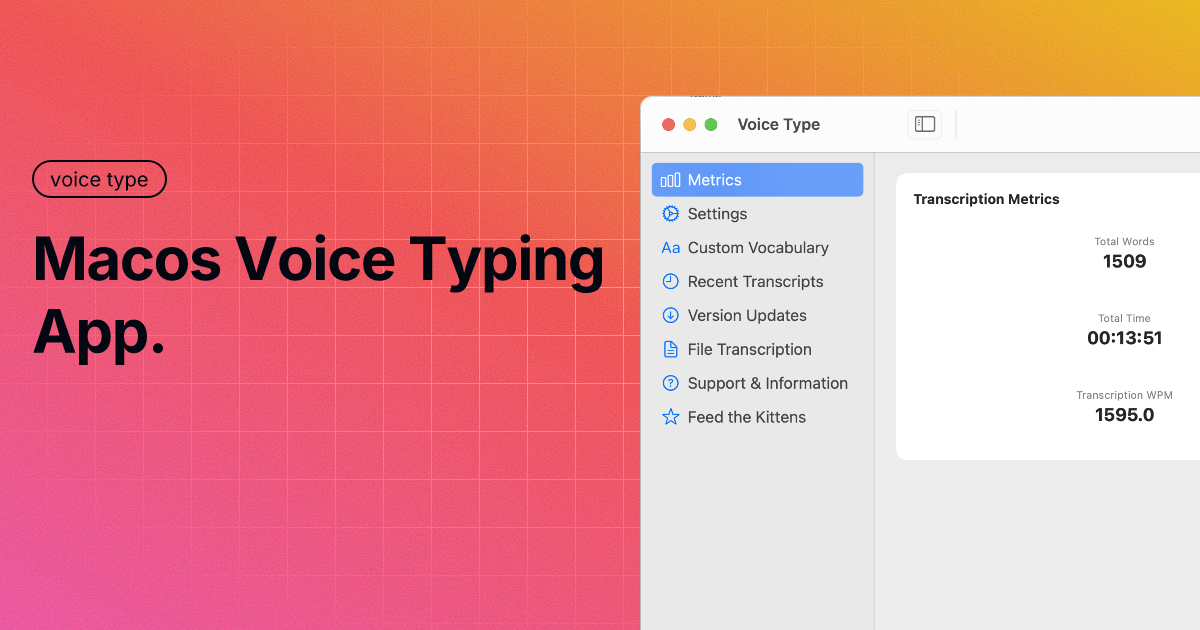
Voice Type is a Mac App Store dictation app from carelesswhisper.app. It runs Whisper-derived models entirely on your machine, costs $19.99 once, and works on Intel Macs as well as Apple Silicon.
We build Kana, which competes with it on the newer half of that hardware list. Take the framing accordingly, and check the parts that are checkable on their site.
Short answer: Voice Type is the pick if you are on an Intel Mac, if you want to choose the model size yourself, or if you want everything sandboxed through the App Store for one payment. It handles 100+ languages against Kana’s 22. Kana wins on price to dictate and on rewriting without an API key.
First, the name collision
There are two unrelated products with almost the same name, and search results mix them constantly.
Voice Type, this one, is the Mac App Store app from carelesswhisper.app. Offline, on-device, $19.99 once.
VoiceType AI, at voicetype.com, is a separate cross-platform cloud product. Its own site claims 360 words a minute and “write 9x faster”, and lists $13 a month on the yearly plan. Its data path runs through private cloud servers.
Different companies, different architectures, opposite privacy stories. If you read a review that mentions both a lifetime App Store price and a monthly subscription for the same app, the reviewer merged them. Everything below is about the App Store one.
What Voice Type actually is
Hold a hotkey, Option and Space by default and changeable, speak, and the text goes into whatever field has focus. Their site puts it plainly: audio stays completely on-device, and it works everywhere on macOS including browsers, code editors and forms.
The window itself is a settings panel rather than a workspace. The sidebar carries Metrics, Settings, Custom Vocabulary, Recent Transcripts, Version Updates, File Transcription, Support and Information, and a Feed the Kittens entry, which tells you something about the developer.
Custom Vocabulary is the part worth calling out. You give it your domain terms, product names and jargon, and there is a Find and Replace layer that rewrites words or phrases during transcription, including spoken commands like saying “open parenthesis” to get the character.
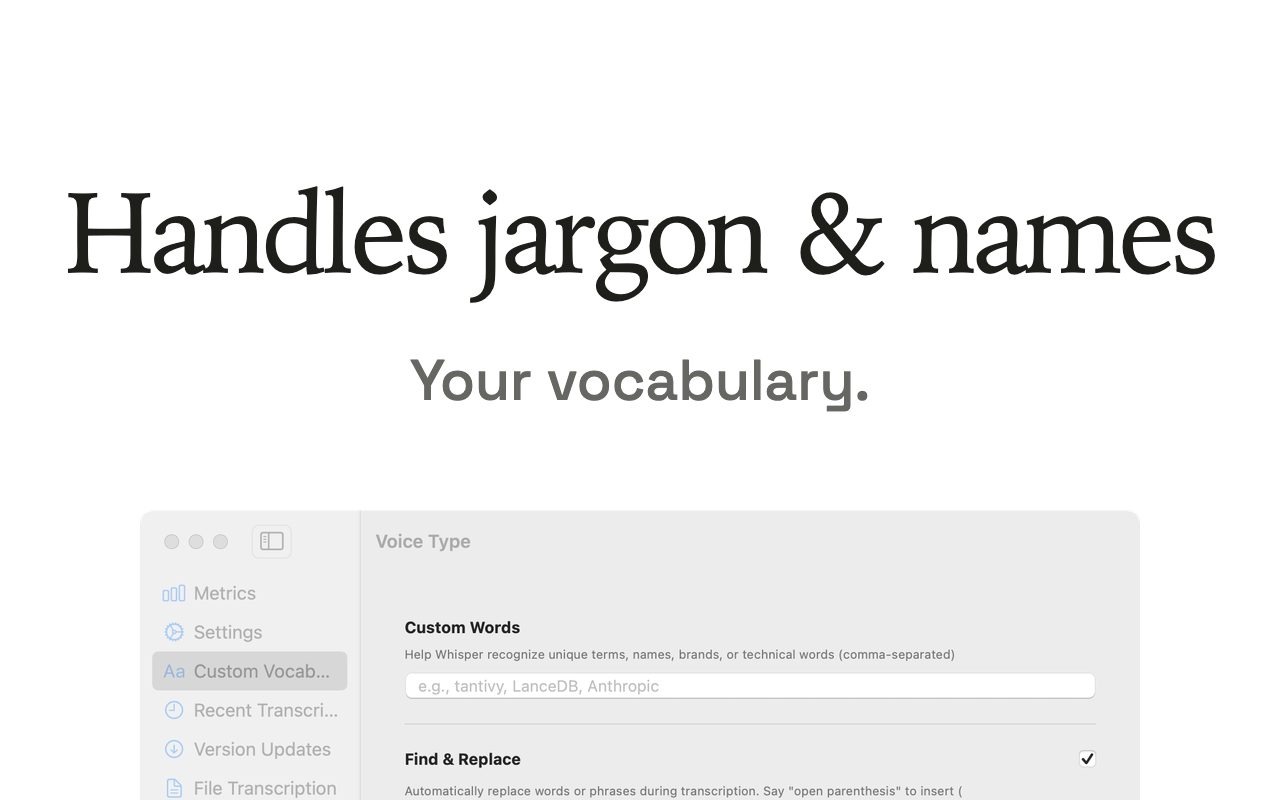
Source: Voice Type (carelesswhisper.app)
Optional AI rewriting exists and is bring-your-own-key: you supply the credentials, and that is the only path where text leaves the Mac.
Pricing in 2026
$19.99 as a one-time Mac App Store purchase, after a 7-day free trial. No subscription, and updates are included. Their pricing page describes it as having no subscription circus, which is fair enough.
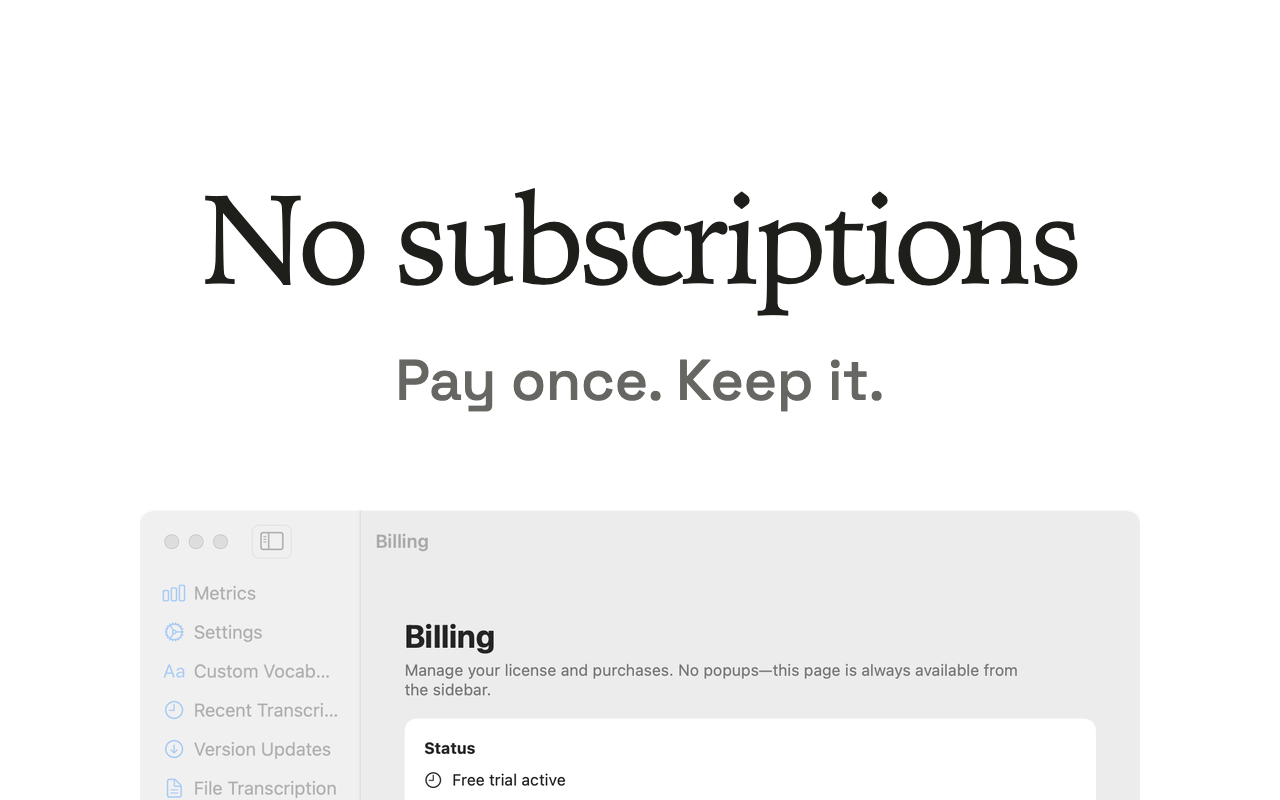
Source: Voice Type (carelesswhisper.app)
Twenty dollars once for on-device dictation with custom vocabulary is a good deal on its own terms. The comparison with Kana is close: $19.99 once against $9.99 once, both on device, neither a subscription. Which reads as cheaper depends on whether you also want AI rewriting, which Kana sells at $4.90 a month across three Macs and Voice Type gives you free if you already pay an AI provider.
Model size is the knob
Voice Type ships Whisper-derived models from 27 MB up to 550 MB and lets you pick. Small models come back instantly and make more mistakes on names. Large models are slower and more accurate. On an older machine, that choice is the difference between a usable app and an unusable one.
Kana does not expose that. English and 17 other European languages run on parakeet-tdt-0.6b-v3-coreml on the Neural Engine, Japanese on a Japanese Parakeet model of its
own, Chinese and Korean on Apple’s SpeechAnalyzer, and there is no size selector. One model per
language, tuned for the hardware Kana requires.
That requirement is the whole story on older Macs. Kana is arm64 only. There is no Intel build and there never will be. Voice Type runs on Apple Silicon and Intel Macs on macOS Ventura or later, so on a 2019 MacBook Pro this comparison has exactly one entrant.
| Voice Type | Kana | |
|---|---|---|
| Intel Macs | Yes, Ventura or later | No, Apple Silicon only |
| Recognition | On device, Whisper-derived | On device, Parakeet and SpeechAnalyzer |
| Choose model size | Yes, 27 MB to 550 MB | No |
| Languages | 100+ | 22 |
| Custom vocabulary | Yes, plus find and replace | Yes |
| Cost to dictate | $19.99 once, 7-day trial | $9.99 once, unlimited |
| AI rewriting | Optional, your own API key | Included, no key to supply |
| File transcription | Yes | Yes, with SRT, VTT and Markdown |
| Distribution | Mac App Store, sandboxed | Direct download |
What Voice Type does better than Kana
It runs on Intel. This is not a small caveat, it is a hard fork in the road. Plenty of 2018 to 2020 Macs are still doing daily work, and Kana refuses all of them.
It handles 100+ languages against Kana’s 22. Kana covers English, 17 other European languages, Japanese, Chinese and Korean. Voice Type inherits Whisper’s full language list.
You choose the accuracy and speed trade-off. A 27 MB model and a 550 MB model are different tools, and picking per situation is a real capability Kana does not offer.
It is sandboxed through the App Store. For anyone whose IT policy prefers App Store apps, or who simply likes the sandbox and the refund path, that is a point Kana cannot match with a direct download.
Find and replace during transcription. Spoken punctuation commands and automatic term substitution as the text is produced. Kana’s custom vocabulary registers names the model gets wrong, which is narrower.
Where Kana differs
Dictation in Kana is $9.99 once and never expires. File transcription is included, with SRT, VTT and Markdown export, so there is no tier gate on getting subtitles out of a recording.
AI rewriting goes through api.getkana.app with no API key to supply and no provider key in the
binary. Free lifetime allowance is 20 rewrites per device, then $4.90 a month or $49 a year, covering three Macs. If rewriting fails for any reason, the raw transcript is inserted
anyway, so a bad connection costs you formatting rather than your words.
Per-app routing means a Slack message and an email can be rewritten differently without you switching anything, and there is a blocklist for apps where rewriting should never run at all.
The bundle is 6.5 MB with no embedded frameworks, no helper process, no login item and nothing in the Dock. The speech model is a separate download of about 480 MB, so the install is larger than the app.
We have not benchmarked the two, so there is no accuracy or latency comparison here. Both run locally, and on Apple Silicon both will feel fast.
The Kana and Voice Type comparison puts the rows side by side, Intel included.
Who should use Voice Type
- You are on an Intel Mac
- You dictate in a language outside Europe, Japanese, Chinese and Korean
- You want to pick the model size against how long you will wait
- You prefer buying through the Mac App Store
- You already pay an AI provider and would rather use your own key
- You want spoken punctuation commands and automatic term replacement
Who should use Kana instead
- You are on Apple Silicon and staying there
- You want dictation at $9.99 rather than $19.99
- You want AI rewriting without holding an API key or paying a provider
- You transcribe files and want SRT, VTT and Markdown without a paid tier
- You want a menu bar app with nothing in the Dock and no window to manage
FAQ
How much does Voice Type cost?
$19.99 as a one-time Mac App Store purchase, after a 7-day free trial. There is no subscription.
Is Voice Type the same as VoiceType AI?
No. Voice Type is the offline Mac App Store app from carelesswhisper.app. VoiceType AI at voicetype.com is a separate cross-platform cloud product on a monthly plan. The names collide in search results and the products have almost nothing in common.
Does Voice Type work offline?
Yes. Recognition runs on your Mac and their site states that audio stays completely on-device. The one exception is the optional rewriting feature, which sends text to whichever provider you supply a key for.
Does Voice Type run on an Intel Mac?
Yes. Their site says it runs on Apple Silicon and Intel Macs on macOS Ventura or later, which is the single clearest reason to choose it over an Apple Silicon only app like ours.