Willow Voice Review 2026: Pricing, Teams and Privacy
Willow is a dictation app for Mac, Windows and iPhone that learns how you write and adjusts what it types to match. Recognition runs in Willow’s cloud, and the company sells that cloud to companies with SOC 2 Type II, HIPAA and single sign-on attached.
We build Kana, a Mac-only dictation app that keeps recognition on the machine. Willow and Kana solve overlapping problems for very different buyers, and the honest version of this comparison says so early.
Short answer: Willow is the right pick if you work across operating systems, if you want the app to learn your writing style, or if you need something your security team will actually approve. Kana is $9.99 once to dictate and makes no network call at all, and it has nothing whatsoever to offer an IT department.
What Willow actually is
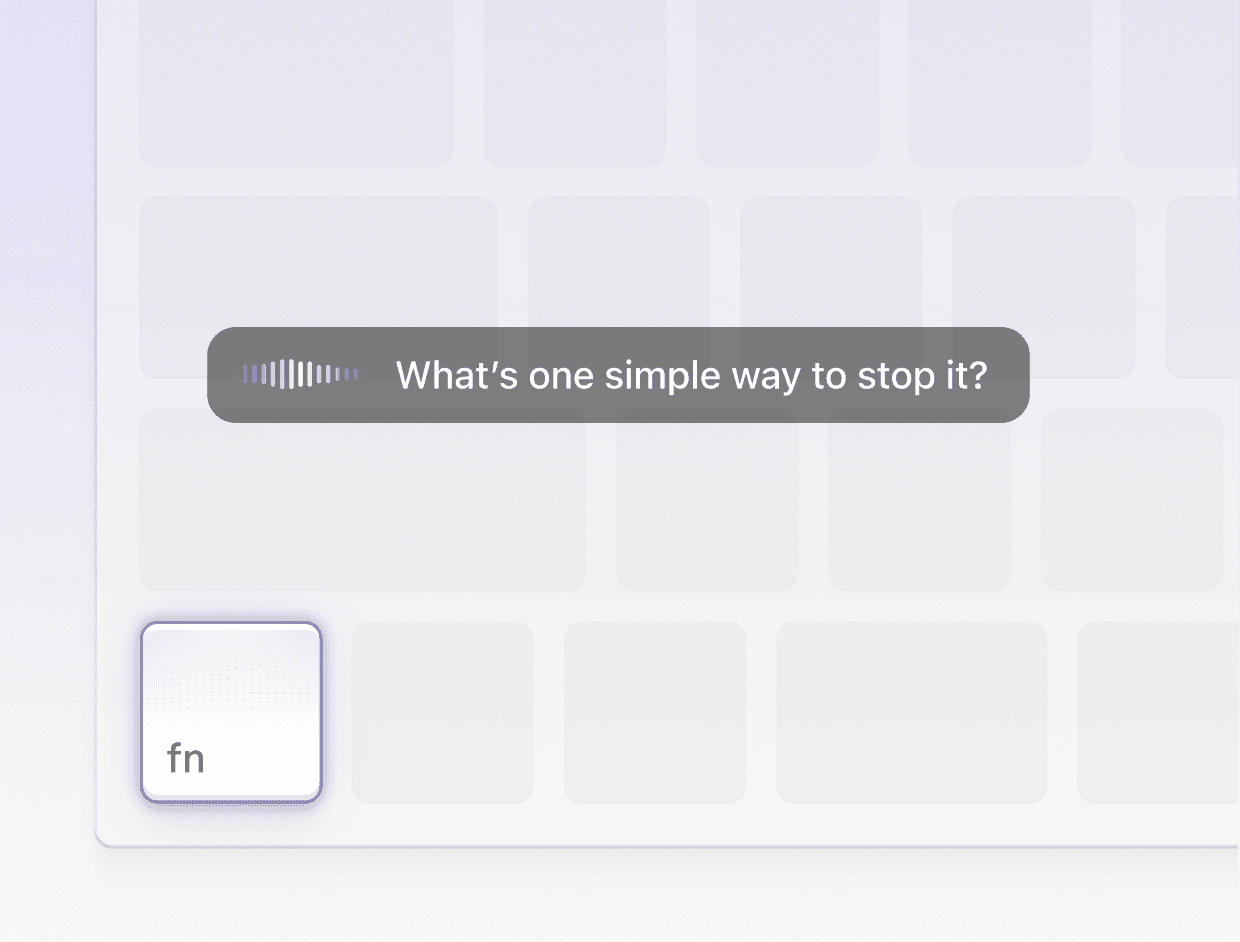
Hold a key, speak, and Willow types the result into the app in front of you. The site puts the trigger plainly: a Mac keyboard with the fn key as the shortcut.
Source: Willow (willowvoice.com)
What separates it from a plain speech-to-text layer is what happens between the audio and the text. Willow’s site describes a system that “Learns how you write over time and adapts to your tone across email, Slack, docs, and technical tools”, an “Auto-learning dictionary” that “Remembers names, product terms, and abbreviations”, and smart formatting that “Removes filler words, fixes punctuation, and formats your writing automatically”. There is a whisper mode for open-plan offices and saved phrases behind shortcuts.
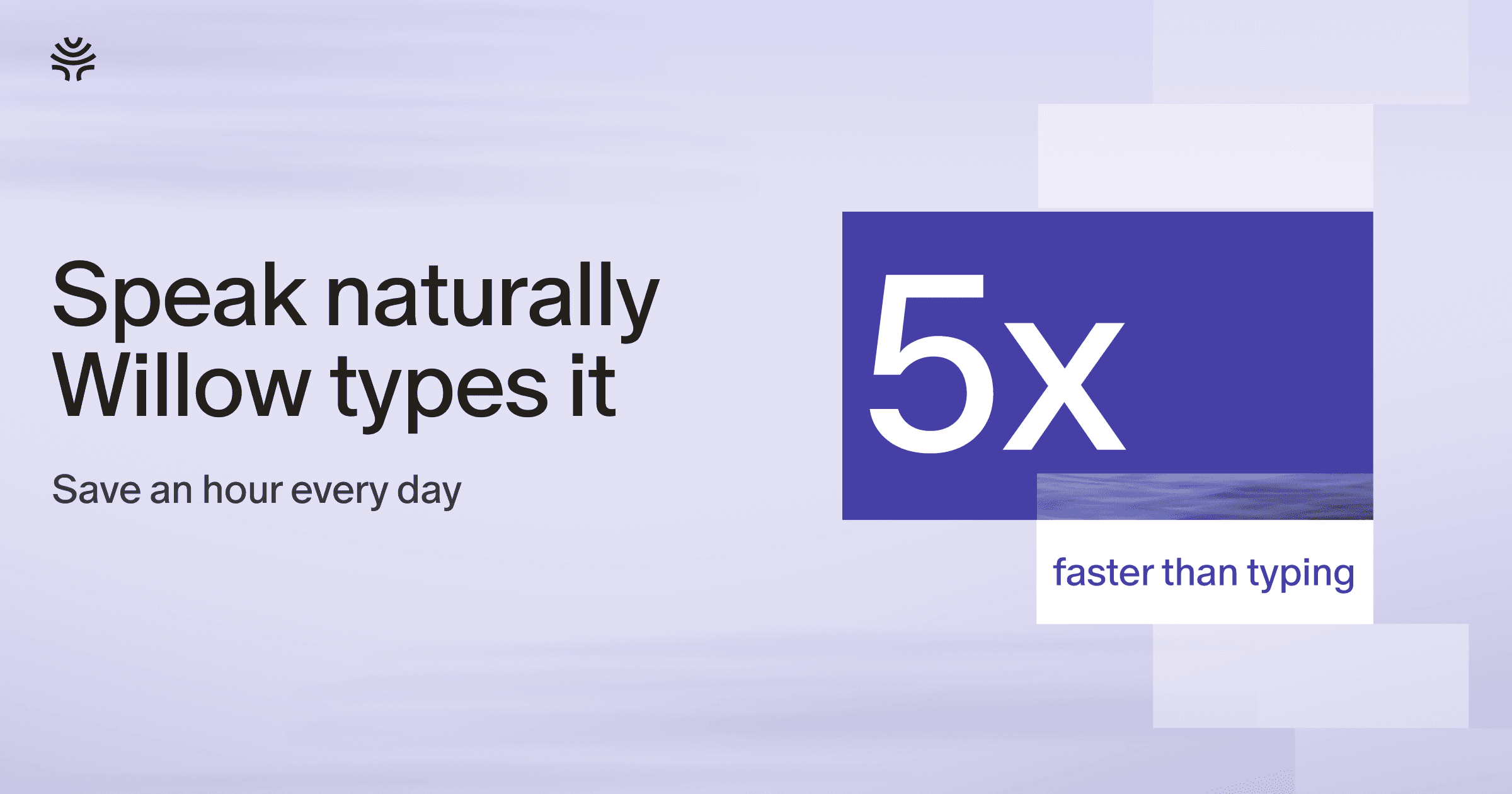
The published claims are “4x faster writing across every app” and “3x more accurate than built-in dictation, with text appearing in as little as 200ms”. Those are Willow’s figures. We have not measured them, and its own share card rounds the speed claim up to 5x, so read all of them as marketing rather than as a benchmark.
Language coverage is “100+“. Kana covers 22.
Pricing in 2026
Four surfaces, and the free one has changed shape recently, so check it rather than trusting an old comparison table.
Basic is free and gives you an “Unlimited weaker speech-to-text model (Frontier Mini)”, with “Limited personalization, 20 Scribe uses per week”.
Pro is $15 a month, or $12 per user a month billed annually, and swaps in the “Unlimited smartest speech-to-text model (Frontier Pro)” plus unlimited Scribe.
Business is $35 a month, or $28 annually, and adds “Enforced privacy mode (zero data retention)”, “Advanced admin and team controls”, “SOC 2 Type II compliance” and “Enforced HIPAA compliance”.
Enterprise is quoted, and adds “Single sign-on (SSO) / SAML”, invoice and PO billing, “Advanced usage dashboards and API”, an MSA and a DPA, and dedicated support.
The shape is worth reading carefully: the free plan is unlimited on the weaker model, and the good model is the paid product. That is a more generous free tier than a word cap, and a firmer wall.
Kana is $9.99 once for unlimited dictation on the same model every user gets, plus unlimited file transcription with SRT, VTT and Markdown export. AI rewriting is the one subscription: $4.90 a month or $49 a year, covering three Macs. Pricing is here.
The enterprise story Kana cannot tell
This section exists because pretending otherwise would be silly.
If you are buying dictation for forty people, you need an admin console, per-seat billing, SSO, a signed DPA, a retention policy you can point a regulator at, and an audit report from someone who is not the vendor. Willow’s security page states that audio is “processed” on “secure cloud infrastructure in the United States”, that “No audio is stored after transcription”, that transcripts are “not logged server-side or retained by default”, and that its certifications are “Independently certified, not just self-reported”.
Kana has none of that machinery. There is no account, no admin, no console, no SSO, no seat management and no contract vehicle. It answers the security question in a different and narrower way: when you dictate, the audio and the transcript never leave the Mac, and there is no server to have a retention policy about. That answer satisfies some procurement teams instantly and others not at all, because there is nothing to audit.
Willow also lists an offline mode, described on its site as “Offline when you need it”, which runs a local model on Mac and iOS. Treat that as a fallback when the connection drops rather than as the default path, because the models it sells are the cloud ones.
What Willow does better than Kana
It runs everywhere you do. Mac, Windows and iPhone under one account. Kana is Apple Silicon Mac only. If your day crosses two machines, this is over already.
It learns. Style adaptation and an auto-learning dictionary mean Willow gets closer to your writing the longer you use it. Kana has custom vocabulary you fill in by hand and no memory of anything else. Nothing in Kana improves with use.
It sells to teams. Business and Enterprise tiers, admin controls, SOC 2 Type II, HIPAA, SSO, zero data retention, an MSA and a DPA. Kana cannot be bought by a company in any structured way.
More languages. 100+ against 22.
Filler words go automatically. Willow’s smart formatting strips them by default. In Kana they stay in unless you pay for rewriting and ask for them to go.
Where Kana differs
| Willow | Kana | |
|---|---|---|
| Where recognition runs | Willow’s cloud, US infrastructure | Your Mac |
| Offline | Optional fallback model on Mac and iOS | Always |
| Platforms | Mac, Windows, iPhone | Apple Silicon Macs only |
| Languages | 100+ | 22 |
| Learns your writing style | Yes | No |
| Custom vocabulary | Yes, auto-learning | Yes, entered by hand |
| Team and enterprise tier | Yes, SOC 2 Type II, HIPAA, SSO | No |
| Account required | Yes | No |
| Trial | Weaker model, 20 Scribe uses a week | 14 days, no card, full model |
| File transcription with subtitles | Not listed | Included, SRT and VTT |
| Cost to dictate well | $12 to $15 a month | $9.99 once |
Two rows carry the argument.
The first is where the audio goes. Zero data retention is a promise that a server deleted something. Kana makes no network call when you dictate at all, which is checked in CI rather than stated in a policy document. Those are different claims and only one of them survives a rule that recordings may not leave the device.
The second is price. Kana is $9.99 once rather than $12 to $15 every month, and everyone gets the same model. AI rewriting is the one subscription, and if it fails, the raw transcript is inserted anyway, so a bad connection never costs you your words.
The app bundle is 6.5 MB, with no login item and nothing in the Dock, though the speech model itself is a separate download of about 480 MB.
If you want the rows next to each other, including the ones where Willow is plainly ahead, see Kana and Willow compared.
Who should use Willow
- You work on Windows or iPhone as well as a Mac
- You want dictation that adapts to your tone over months
- You are buying for a team and need admin controls and per-seat billing
- Your organisation requires SOC 2 Type II, HIPAA or SSO
- You need a language outside Kana’s 22
- You want filler words removed without configuring anything
Who should use Kana instead
- Your audio is not allowed to leave the machine, as a rule rather than a preference
- You are on Apple Silicon and only on Apple Silicon
- You want unlimited dictation on the best available model without paying
- You transcribe audio files and want SRT and VTT included
- You do not want an account, a profile or anything to delete later
FAQ
Is Willow Voice free?
There is a free Basic plan with unlimited use of the weaker Frontier Mini model and 20 Scribe uses a week. The stronger Frontier Pro model is on Pro at $15 a month, or $12 a month billed annually.
Is Willow Voice HIPAA compliant?
Willow lists “Enforced HIPAA compliance” and “SOC 2 Type II compliance” on its Business tier and above, and says the certifications are independently audited. The free and Pro tiers are not sold on those terms.
Does Willow work offline?
Partly. Willow’s site lists an offline mode running a local model on Mac and iOS. The models it markets run in its US cloud, so treat offline as a fallback rather than the normal path.
What is the best Willow alternative for a single Mac user?
If you are one person on Apple Silicon and nobody is asking you for a SOC 2 report, Kana does the same core job for nothing and keeps the audio on the machine. If there is an IT department in the conversation, stay with Willow.