VoiceType AI Review 2026: Pricing, Speed and Caveats
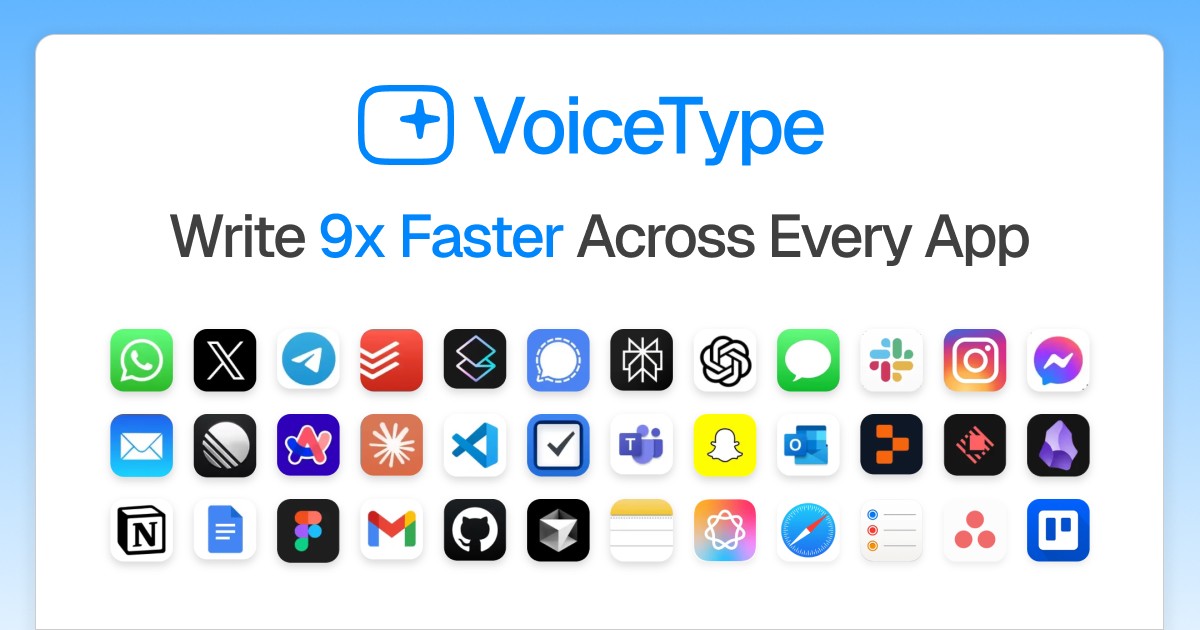
VoiceType AI is a cloud dictation app for Mac and Windows, sold on speed: its site claims 360 words a minute against 40 for typing, which it prints as 9x faster. It adjusts its output to the app you are writing in, and it covers 35+ languages.
We build Kana, a Mac dictation app that runs recognition on the machine. Everything below comes from VoiceType’s own pages.
Short answer: VoiceType AI is worth a look if you need Windows as well as macOS and you like the idea of the app matching its tone to Slack, Gmail or your editor without being told. Its pricing is harder to read than it should be, and every word you speak goes to its servers. Kana is Mac only, $9.99 once to dictate, and never sends anything while dictating.
First, which VoiceType this is
The names in this category collide badly, so be precise about what you are buying.
This review is about VoiceType AI at voicetype.com: a subscription, cloud recognition, Mac and Windows.
It is a different product from Voice Type by carelesswhisper.app, which is a one-time $19.99 purchase on the Mac App Store, runs Whisper-derived models on your own machine, and works on Intel Macs as well as Apple Silicon. If you were looking for that one, the Kana and Voice Type comparison covers it instead. There is also an unrelated voicetype.io and a similarly named app on the Microsoft Store.
Two products, similar names, opposite architectures. Check the domain on the checkout page.
What VoiceType AI does
Hold a shortcut, speak, and the text is typed into whatever has focus. The pitch is breadth: the marketing card shows the target list.
Three features carry the product.
Tone Match reads which application you are in and adjusts how the output reads, so a Slack message and a support email come out differently without you switching a setting.
Context Aware is described as understanding your environment and adjusting the transcription accordingly.
Whisper Mode handles quiet speech, which is the open-plan office feature every product in this category has now.
Recognition is cloud based. The site’s privacy line says data is encrypted through its private cloud servers and claims 100% privacy, which is a statement about transport and storage rather than about whether the audio is sent. It is sent.
Pricing in 2026, and the confusing part
Here the review has to be blunt, because the numbers do not agree with each other.
The homepage quotes roughly $13 a month on annual billing. The pricing page shows a 1-month plan at $19.50, struck through from $29.00, with a 3-day free trial, and a 12-month plan billed at $14.89 a month. It also sells Lifetime Access at $475.00, struck through from $875.00, next to a counter reading “Limited: 2 left”.
That counter is worth pausing on. Scarcity copy on a downloadable software licence is a marketing device, not an inventory. VoiceType also turns up regularly as a discounted lifetime deal on third-party software deal sites, so the price you pay depends heavily on where you happen to buy it.
None of this means the app is bad. It means you should decide what you are willing to pay before you land on a page designed to make that decision for you.
Kana’s price list is two lines: $9.99 once for dictation and file transcription, and AI rewriting is $4.90 a month or $49 a year, covering three Macs. It does not move.
What VoiceType AI does better than Kana
Windows. Kana is macOS on Apple Silicon and there will never be a Windows build. If half your week is on a PC, VoiceType covers both and Kana covers one.
Tone Match is automatic. Kana has per-app routing, so a Slack message and an email can be rewritten differently, but you write those instructions yourself and rewriting is the paid tier. VoiceType infers it. For someone who does not want to configure anything, that is a real advantage.
More languages. 35+ against Kana’s 22.
Cheap lifetime deals exist. When VoiceType shows up on a deal site, the effective price can undercut any subscription in this category, including Kana’s rewriting tier. Kana runs no such promotions.
One account, both desktops. Your settings follow you between machines. Kana has no sync and no account at all, which is a feature until the moment you want your setup on another Mac.
Where Kana differs
| VoiceType AI | Kana | |
|---|---|---|
| Where recognition runs | VoiceType’s cloud | Your Mac |
| Works with no network | No | Yes |
| Platforms | Mac and Windows | Apple Silicon Macs only |
| Languages | 35+ | 22 |
| Per-app tone | Yes, automatic | Yes, instruction you write, paid tier |
| Cost to dictate | Subscription, from about $13 a month | $9.99 once, unlimited |
| Free access | 3-day trial | 14 days, no card |
| File transcription with subtitles | Not listed | Included, SRT and VTT |
| Account required | Yes | No |
| Price list | Varies by page and by reseller | One page |
The difference that matters most is the first row, and it decides the third and fourth as well.
Kana transcribes on the Neural Engine using Parakeet for English and 17 other European languages, a second Parakeet model for Japanese, and Apple’s SpeechAnalyzer for Chinese and Korean. Nothing is uploaded, so dictation keeps working on a plane or on hotel wifi that has given up. Dictation makes no network call at all, and that is checked in CI rather than asserted in a privacy paragraph.
Payment in Kana only unlocks AI rewriting, and when rewriting fails the raw transcript is inserted regardless, so a dropped connection costs you nothing.
The app is a single 6.5 MB executable with no login item, no helper and nothing in the Dock. The speech model is a separate download of about 480 MB, so the install as a whole is not 6.5 MB.
For the two set out row by row, including where VoiceType is ahead, see Kana and VoiceType compared.
Who should use VoiceType AI
- You work on Windows as well as a Mac
- You want per-app tone without writing any rules
- You want one account and one setup across two desktops
- You need a language outside Kana’s 22
- You found a lifetime deal at a price you are happy with
Who should use Kana instead
- Your audio should not leave your machine
- You dictate where the network is bad or absent
- You want dictation to be $9.99 once rather than a subscription
- You transcribe audio files and want SRT and VTT without paying
- You want a price you can read in ten seconds and a product with no upsell page
FAQ
Is VoiceType AI the same as Voice Type on the Mac App Store?
No. VoiceType AI is at voicetype.com and runs in the cloud on a subscription. Voice Type by carelesswhisper.app is a $19.99 one-time Mac App Store purchase that runs on device. Different companies, different architectures, similar names.
How much does VoiceType AI cost?
It depends which page you land on. The pricing page shows $19.50 a month for the 1-month plan (struck through from $29.00), $14.89 a month on the 12-month plan, and $475.00 for Lifetime Access (struck through from $875.00). The homepage quotes about $13 a month on annual billing. Third-party deal sites sell it cheaper again.
Does VoiceType AI work offline?
No. Recognition happens on its servers, so dictation needs a connection.
What is a good on-device VoiceType alternative for Mac?
Kana, if you are on Apple Silicon: dictation and file transcription are unlimited, nothing is uploaded, and there is no account. You give up Windows, automatic tone matching and some of the language coverage to get it.